← Easeout LabFree component
Curved image wall
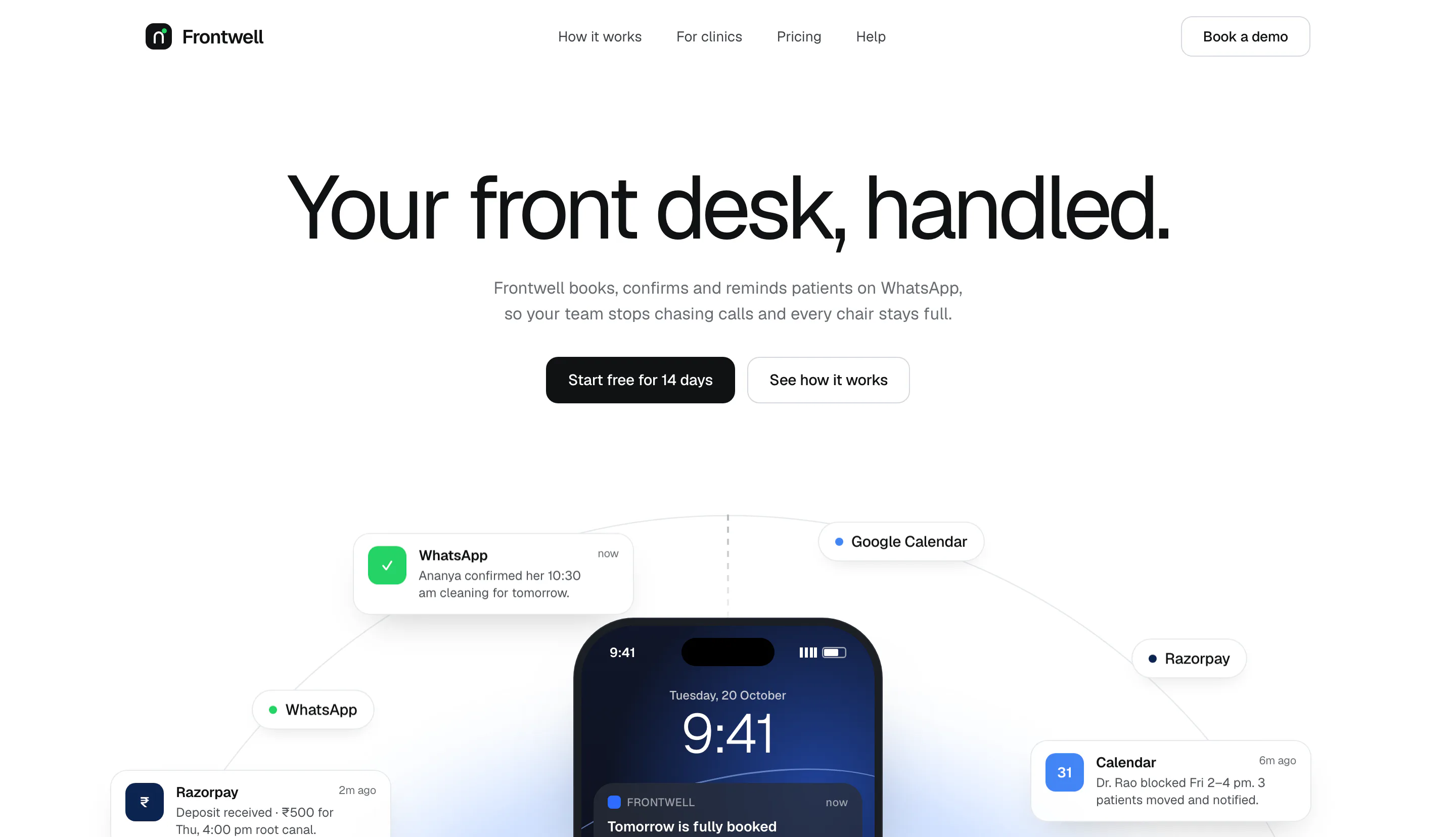
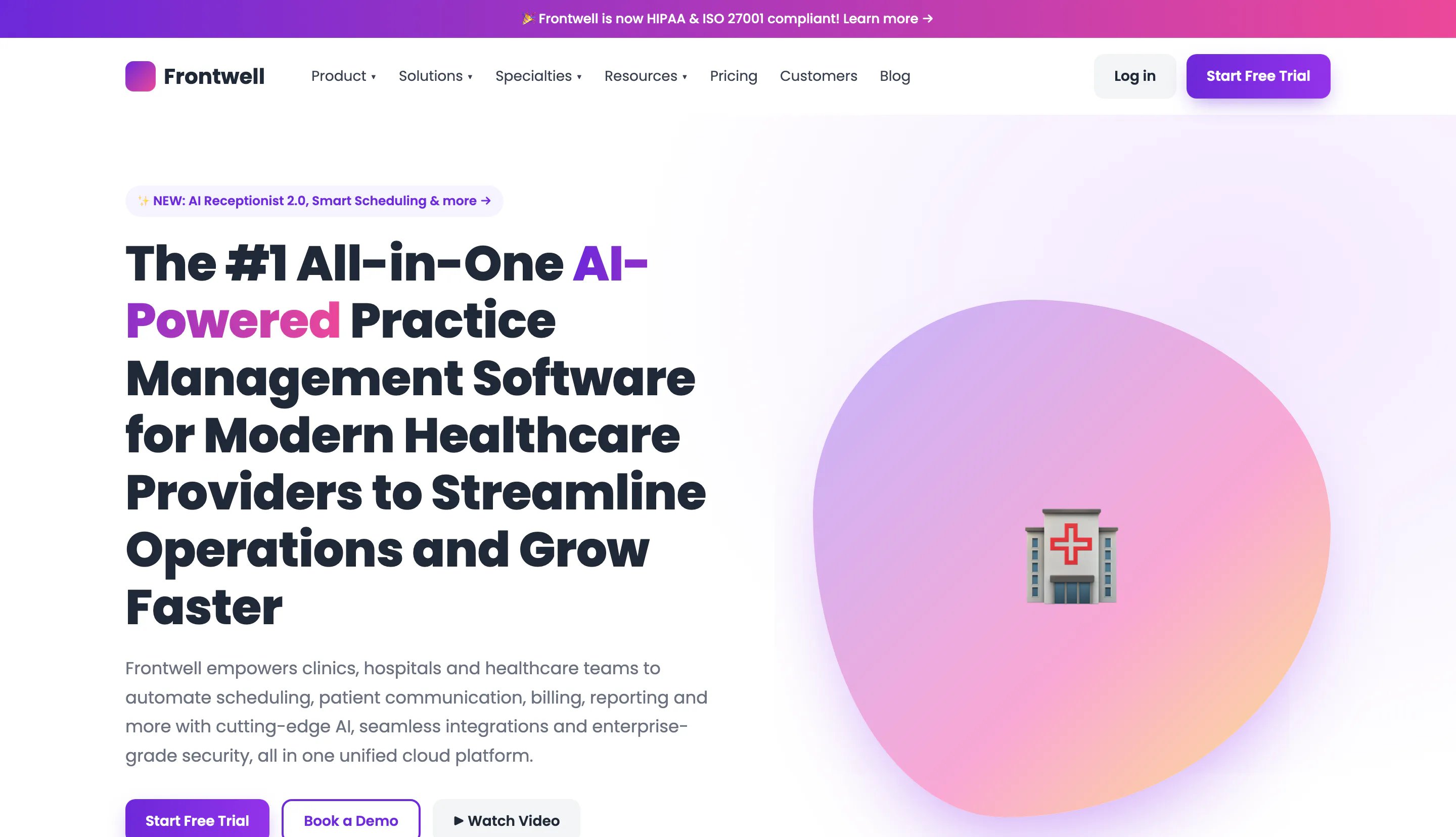
Screens on a 3D ring. Drag or swipe to spin it with momentum, use the arrow keys to step, and it drifts on its own when you let go.


npx shadcn addhttps://easeoutstudio.com/r/curved-wall.jsonOr copy the file below. It needspnpm add motion
"use client"

// Curved image wall by Easeout (easeoutstudio.com). Free to use, MIT.
// Install: npx shadcn@latest add https://easeoutstudio.com/r/curved-wall.json
// One file. React + motion/react + Tailwind CSS. Drag (or swipe) to spin; it keeps momentum, then drifts.
// Arrow keys step one card at a time. Pauses while hovered, off screen or in a hidden tab, and stays still
// for people who prefer reduced motion. The soft edges are a mask, so it looks right on any background.
import { animate, motion, useMotionValue, useReducedMotion, useTransform } from "motion/react"
import { useEffect, useRef, useState } from "react"

type Props = {
  images: { src: string; alt: string }[]
  cardWidth?: number // px, the largest a card gets; it shrinks to fit narrow containers
  speed?: number // degrees per second while idle
  label?: string // what the wall shows, for screen readers
}

const EASE = [0.16, 1, 0.3, 1] as const

export function CurvedWall({ images, cardWidth = 420, speed = 6, label = "Image wall" }: Props) {
  const box = useRef<HTMLDivElement>(null)
  const [width, setWidth] = useState(cardWidth)
  const n = images.length
  const step = 360 / n
  const radius = Math.round(width / (2 * Math.tan(Math.PI / n)))
  const angle = useMotionValue(0)
  const transform = useTransform(angle, (a) => `translateZ(${-radius}px) rotateY(${a}deg)`)
  const reduce = useReducedMotion()
  const busy = useRef(false) // dragging or animating: the drift waits
  const paused = useRef(false) // hovered, off screen or tab hidden

  // cards fit the container: never wider than ~58% of it
  useEffect(() => {
    const el = box.current
    if (!el) return
    const ro = new ResizeObserver(([e]) => setWidth(Math.min(cardWidth, Math.round(e.contentRect.width * 0.58))))
    ro.observe(el)
    return () => ro.disconnect()
  }, [cardWidth])

  // idle drift, only while visible
  useEffect(() => {
    if (reduce) return
    const el = box.current
    let visible = true
    const io = new IntersectionObserver(([e]) => (visible = e.isIntersecting))
    if (el) io.observe(el)
    let raf = 0
    let last = performance.now()
    const tick = (now: number) => {
      const dt = Math.min(64, now - last) / 1000
      last = now
      if (visible && !busy.current && !paused.current && document.visibilityState === "visible") angle.set(angle.get() - dt * speed)
      raf = requestAnimationFrame(tick)
    }
    raf = requestAnimationFrame(tick)
    return () => {
      cancelAnimationFrame(raf)
      io.disconnect()
    }
  }, [angle, speed, reduce])

  // ease to the nearest card face (keyboard), then hand back to the drift
  const go = (dir: number) => {
    busy.current = true
    const target = Math.round(angle.get() / step) * step + dir * step
    animate(angle, target, reduce ? { duration: 0 } : { type: "spring", stiffness: 140, damping: 22 }).then(() => (busy.current = false))
  }

  return (
    <div
      ref={box}
      role="group"
      aria-roledescription="carousel"
      aria-label={`${label}. Drag or use the arrow keys to spin.`}
      tabIndex={0}
      onKeyDown={(e) => {
        if (e.key !== "ArrowLeft" && e.key !== "ArrowRight") return
        e.preventDefault()
        go(e.key === "ArrowLeft" ? 1 : -1)
      }}
      onPointerEnter={(e) => e.pointerType === "mouse" && (paused.current = true)}
      onPointerLeave={() => (paused.current = false)}
      className="relative w-full rounded-[inherit] outline-none focus-visible:ring-2 focus-visible:ring-current focus-visible:ring-offset-2"
      style={{ height: `min(60vh, ${Math.round(width * 1.15)}px)` }}
    >
      {/* the stage: perspective for the 3D ring, and a mask for the soft edges (so the focus ring above stays crisp) */}
      <div
        className="absolute inset-0 cursor-grab touch-pan-y select-none overflow-hidden rounded-[inherit] active:cursor-grabbing"
        style={{
          perspective: 1600,
          maskImage: "linear-gradient(90deg, transparent, #000 18%, #000 82%, transparent)",
          WebkitMaskImage: "linear-gradient(90deg, transparent, #000 18%, #000 82%, transparent)",
        }}
      >
        <motion.div
          className="absolute inset-0"
          onPanStart={() => {
            busy.current = true
            angle.stop()
          }}
          onPan={(_, info) => angle.set(angle.get() + info.delta.x * 0.18)}
          onPanEnd={(_, info) => {
            // fling with momentum (capped), then hand back to the idle drift
            const fling = reduce ? 0 : Math.max(-120, Math.min(120, info.velocity.x * 0.04))
            animate(angle, angle.get() + fling, { duration: reduce ? 0 : 1.2, ease: EASE }).then(() => (busy.current = false))
          }}
        >
          <motion.div className="absolute left-1/2 top-1/2" style={{ transformStyle: "preserve-3d", transform, width: 0, height: 0 }}>
            {images.map((img, i) => (
              <figure
                key={`${img.src}-${i}`}
                className="absolute m-0 overflow-hidden rounded-2xl bg-neutral-900 shadow-[0_30px_60px_-30px_rgba(0,0,0,.55)] ring-1 ring-white/10"
                style={{
                  width,
                  height: width * 0.625,
                  left: -width / 2,
                  top: (-width * 0.625) / 2,
                  transform: `rotateY(${i * step}deg) translateZ(${radius}px)`,
                  backfaceVisibility: "hidden",
                }}
              >
                {/* eslint-disable-next-line @next/next/no-img-element -- copy-paste friendly: a plain img works in any React app */}
                <img src={img.src} alt={img.alt} draggable={false} loading="lazy" decoding="async" className="h-full w-full object-cover object-top" />
              </figure>
            ))}
          </motion.div>
        </motion.div>
      </div>
    </div>
  )
}